Proxy Judging of Contests
This tutorial will show how to create and judge a Proxy Contest.
A Proxy Contest is a contest where the judges are not using MyCC to record there scores. Instead, the judges deliver their scores to a club administrator, and the administrator then enters the scores into the site.
Create a Contest
Create a new standard contest, like it were any other contest.
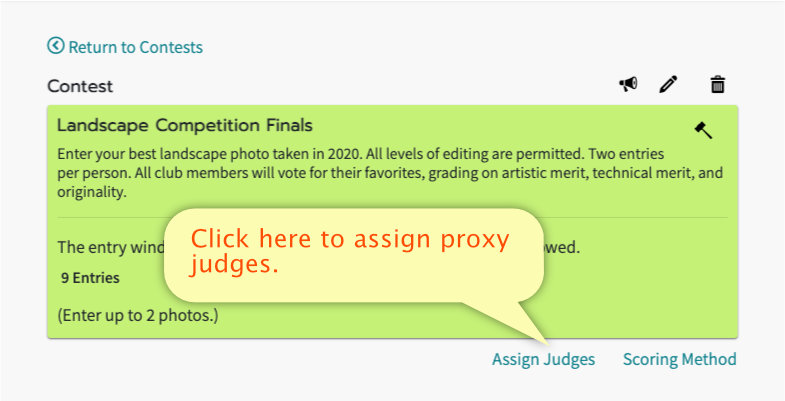
Then, view the contest and click "Assign Judges" to select who will judge this contest.
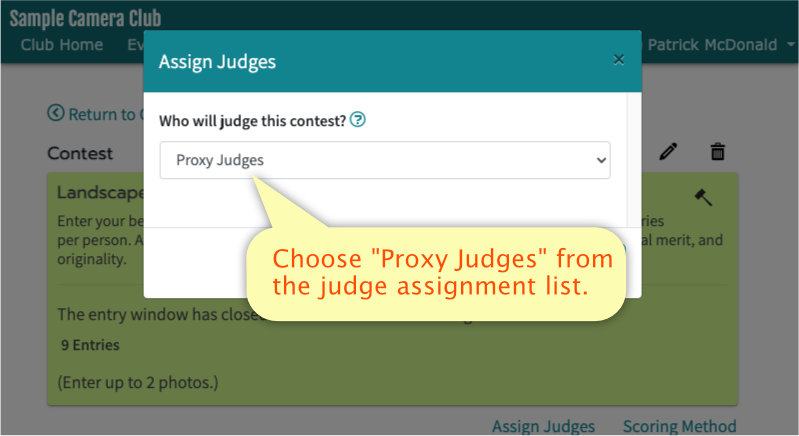
Choose The "Proxy Judges" Option
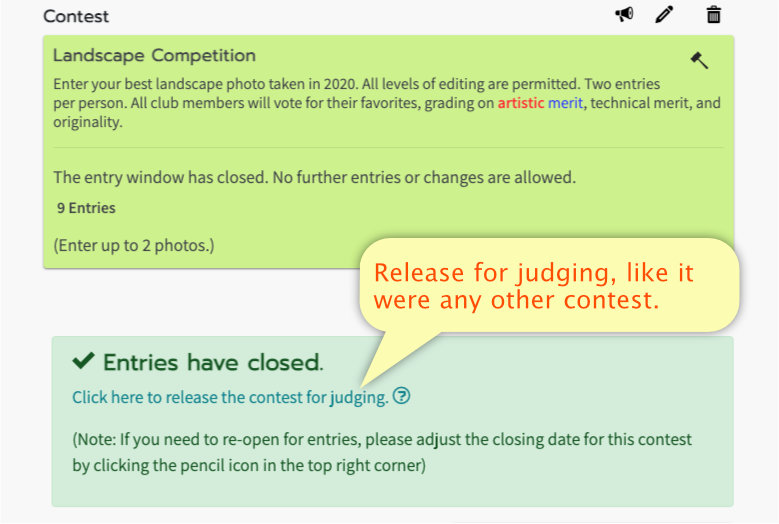
Release for Judging
After all entries have been received, Release the contest for judging like it were any other contest.
Entering Scores
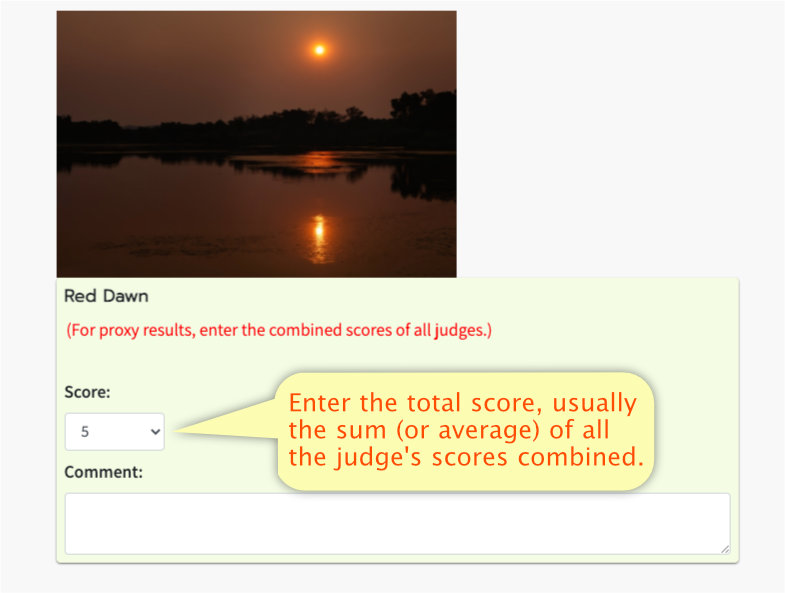
For each photo, enter the total score(s) provided by the judges.
Please note that this is the combined, final score of all judges combined. There is no place to enter individual judge's scores when recording proxy judging.
The score options will change depending on the scoring method chosen for this contest. Learn about the different scoring methods.
Entering Comments
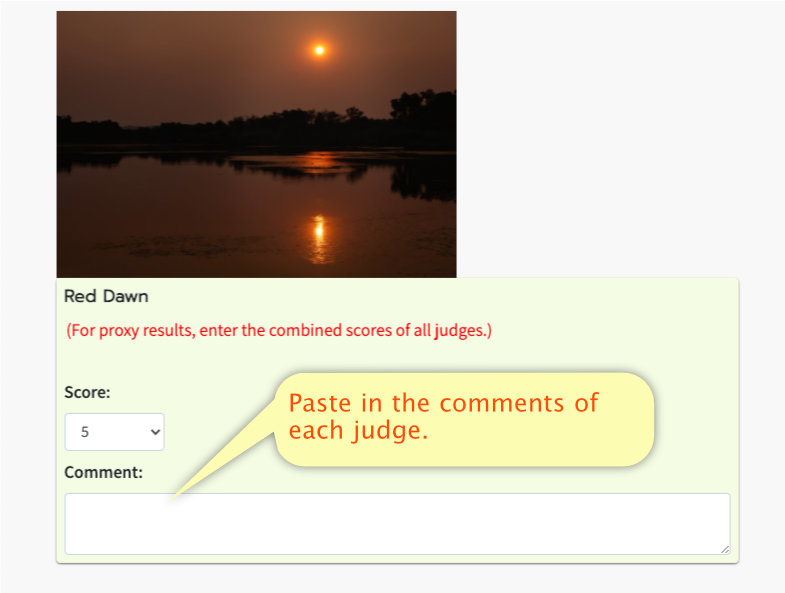
In the comment section, paste in the comment or comments of the judges.
When there are multiple comments by multipe judges, it is best to separate them by a blank space or two.
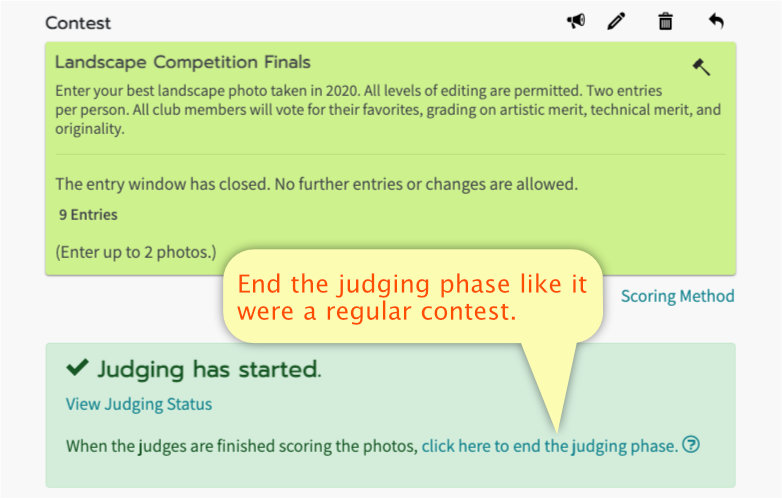
End Judging
End the judging phase by clicking the appropriate link, like it were a regular contest.
This will take you to the usual "Award Ribbons" phase of the contest.